reflet

reflet

a reverse engineering focused code editor.

getting started

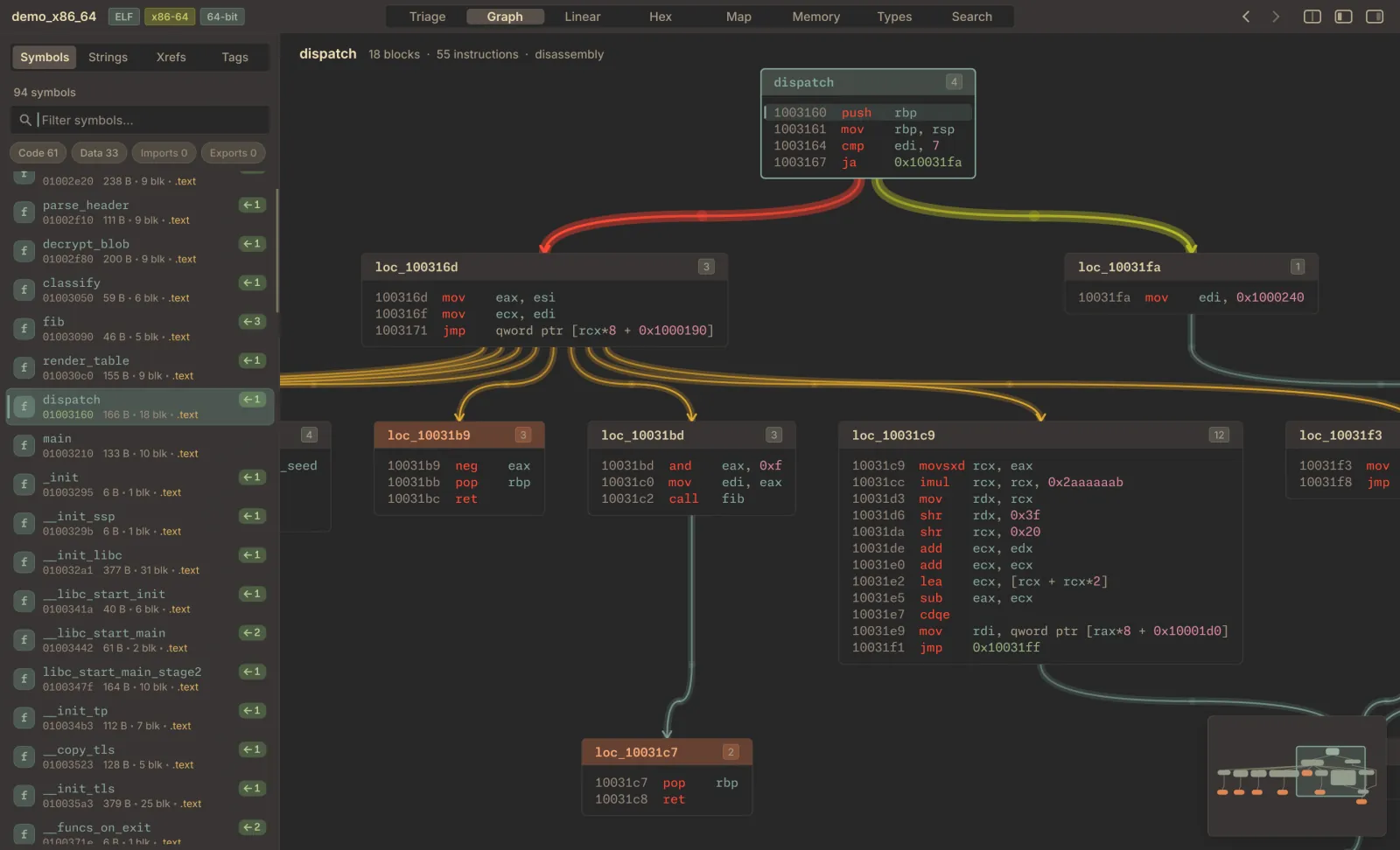
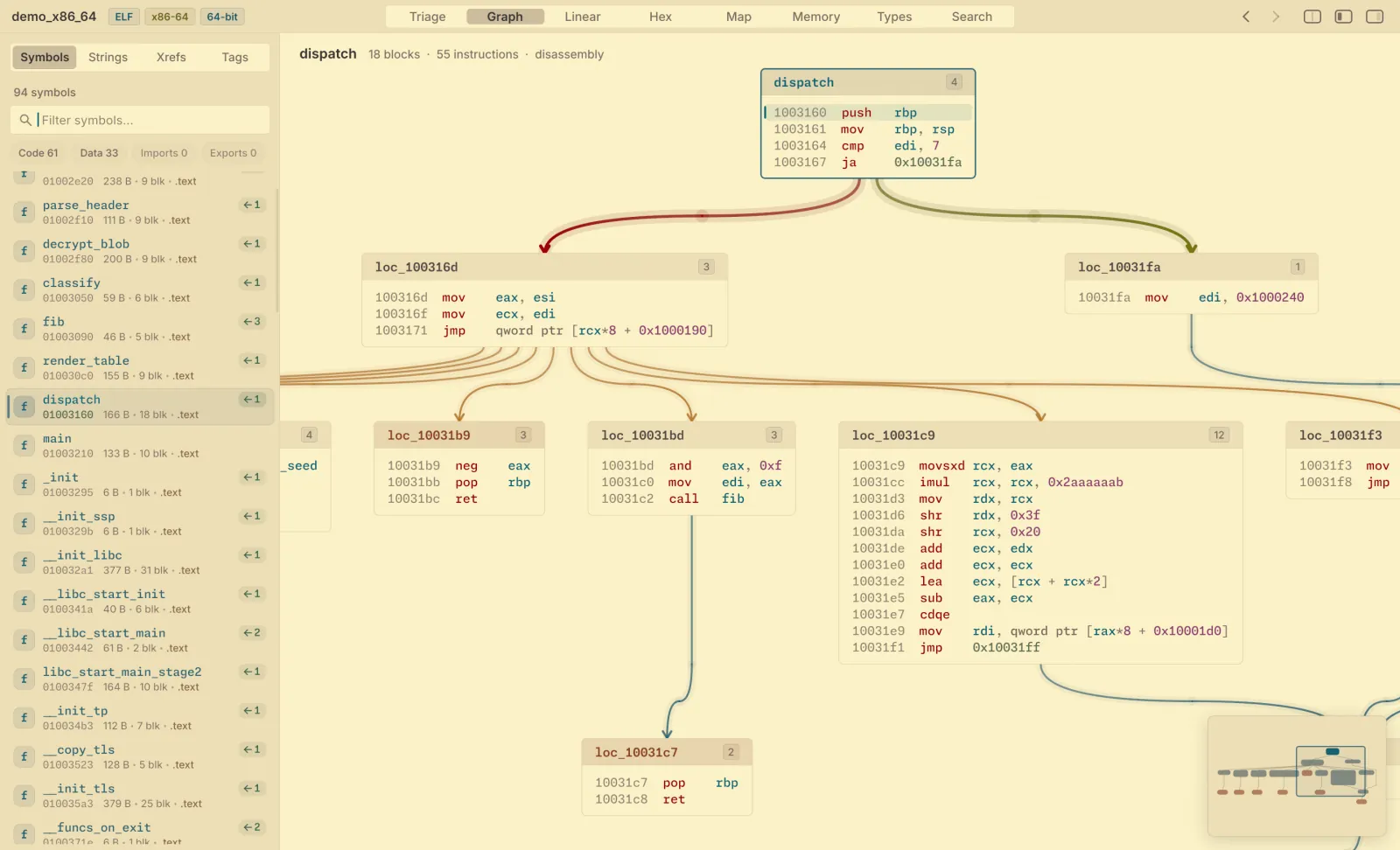
Reflet's control-flow graph of a function named dispatch: basic blocks of x86-64 disassembly joined by red and green branch edges, with the symbol list on the left. The same control-flow graph in Reflet's Gruvbox Light theme.
fig. 00 — control-flow graph, x86-64

fig. 01–14, ordered by hue

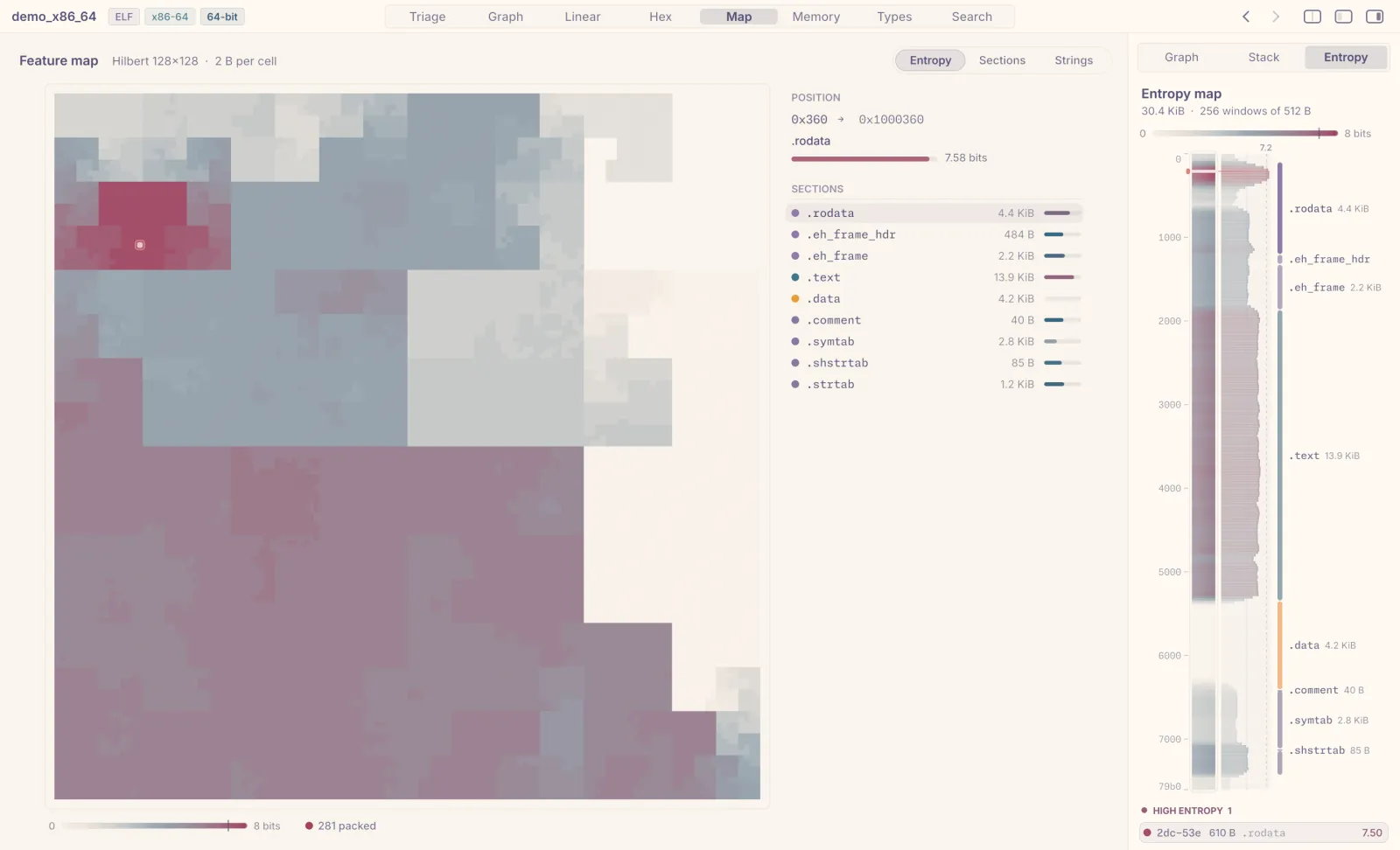
  1. Entropy map of a binary in a light theme: a grid of cells shaded by byte entropy, with a section list beside it.

    01 entropy map

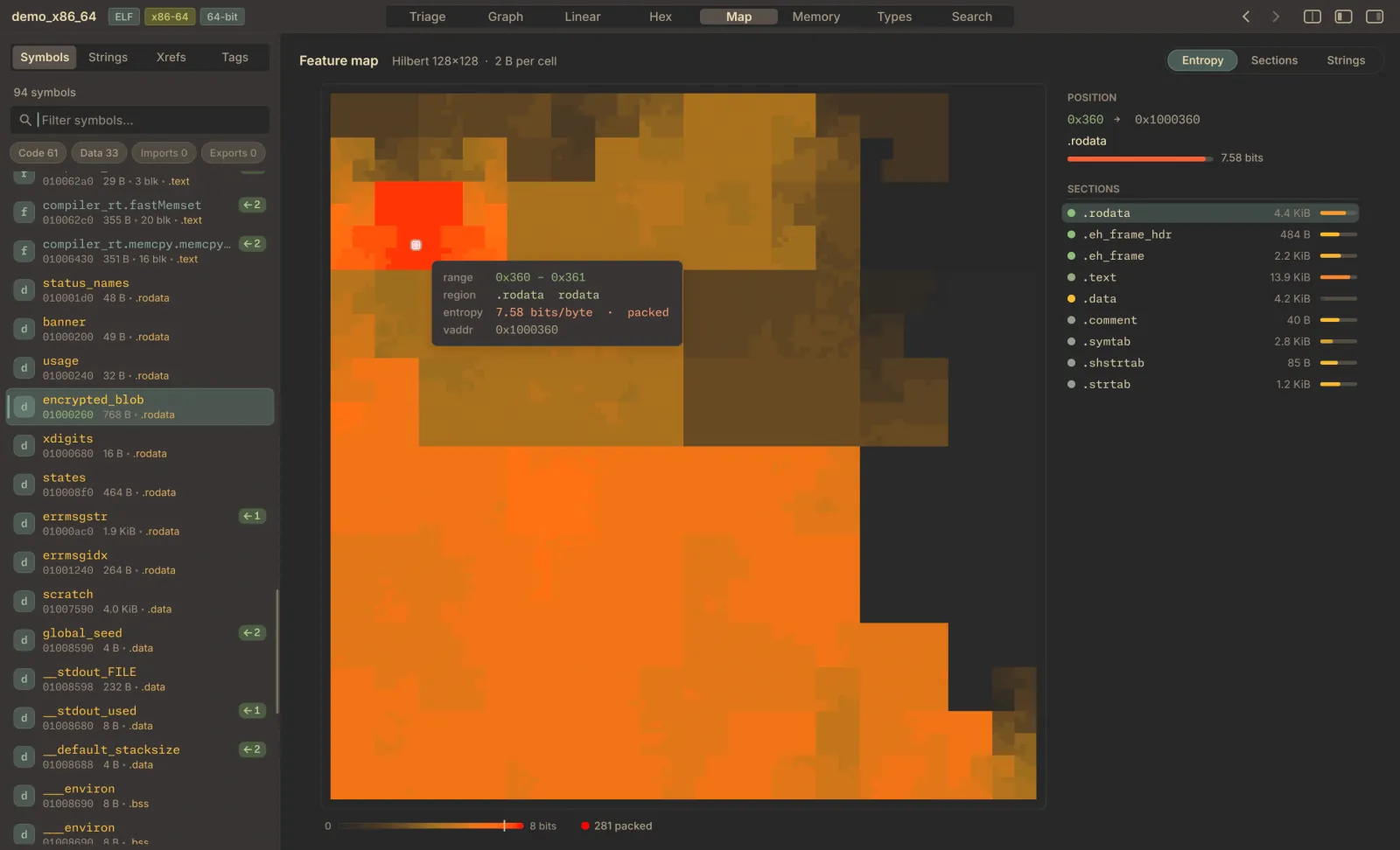
  2. Feature map: the whole binary drawn as orange and red tiles, one per region, with a tooltip on a packed section.

    02 feature map

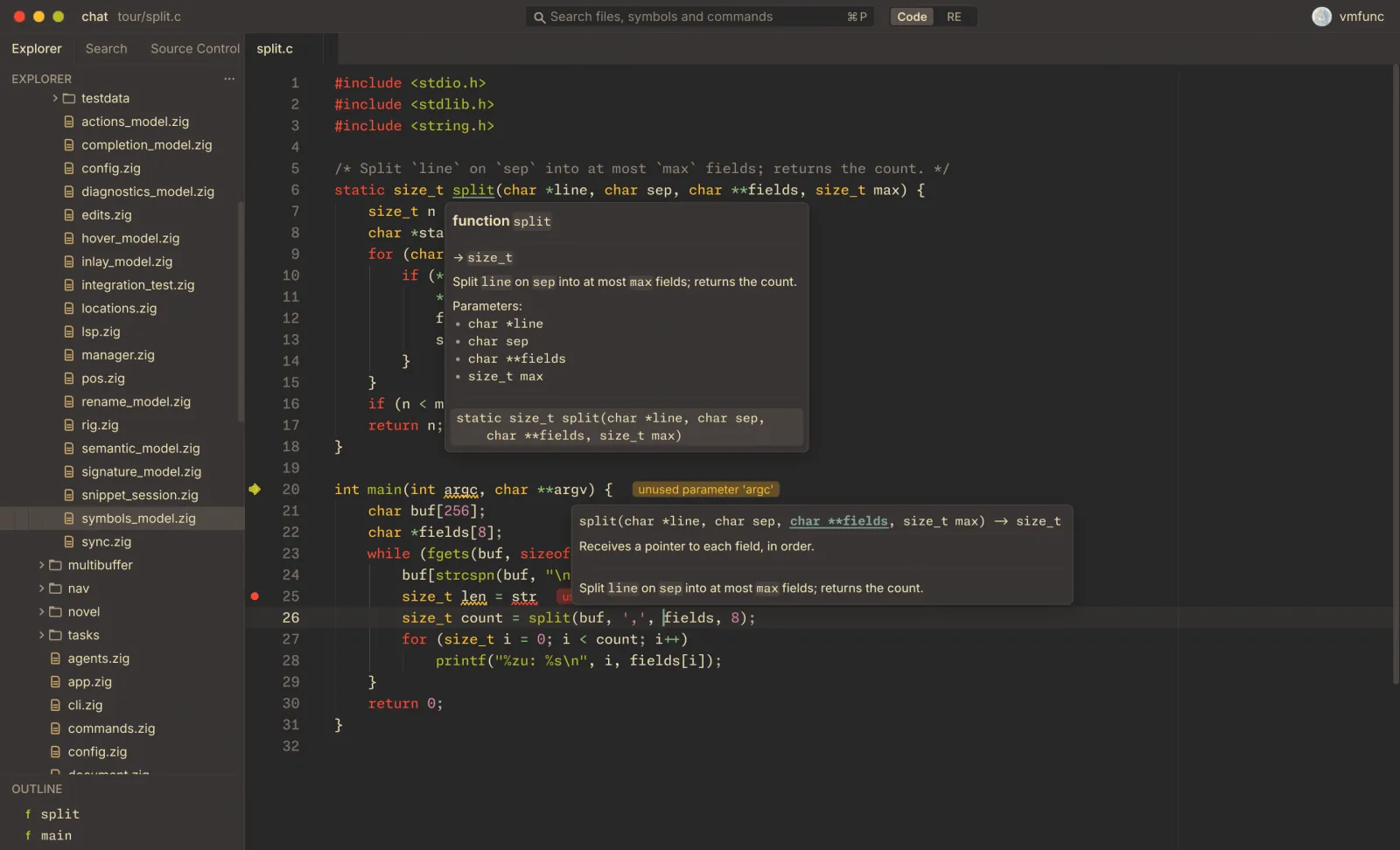
  3. A C file in the editor with a signature help popup from the language server.

    03 c, with a language server

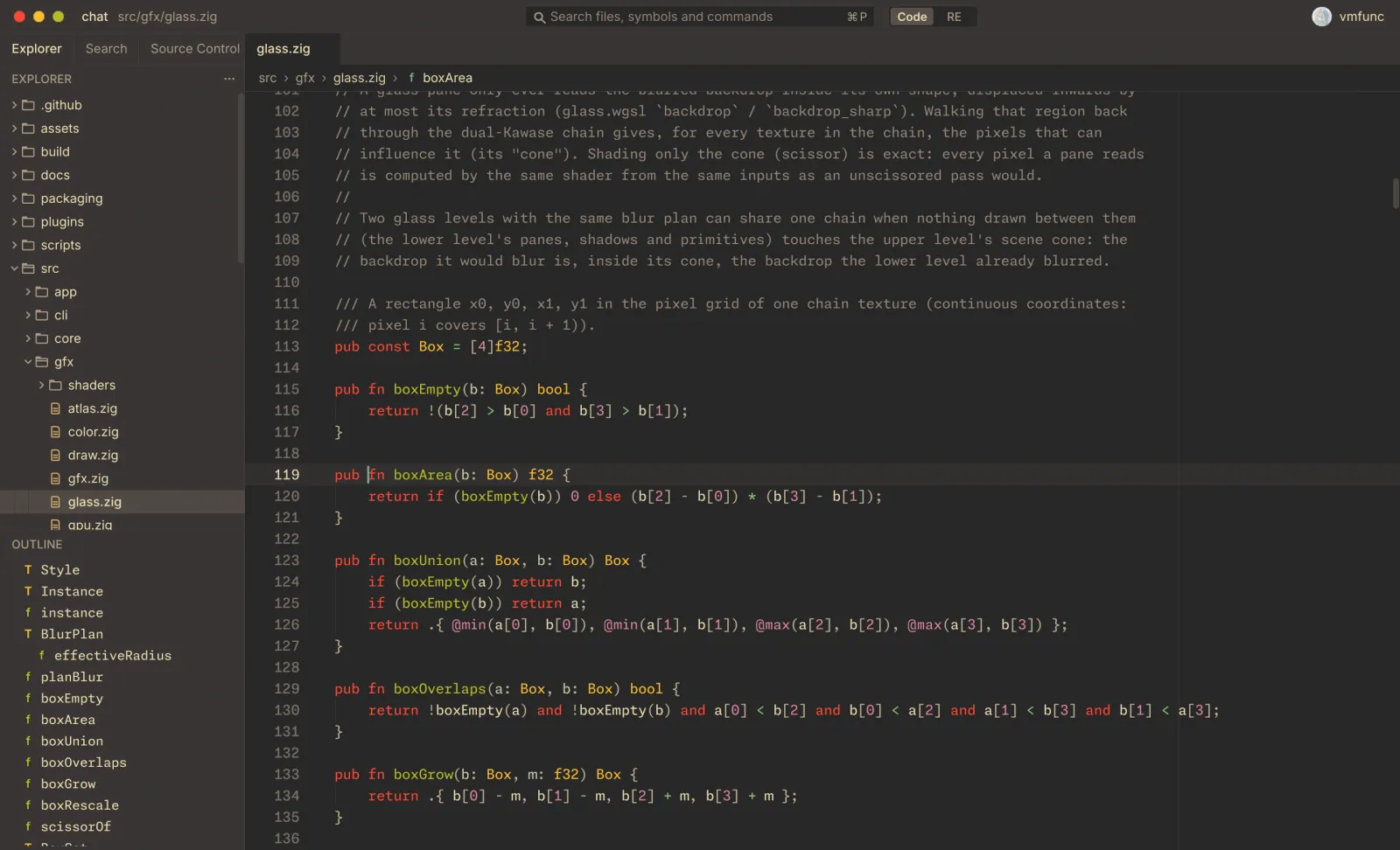
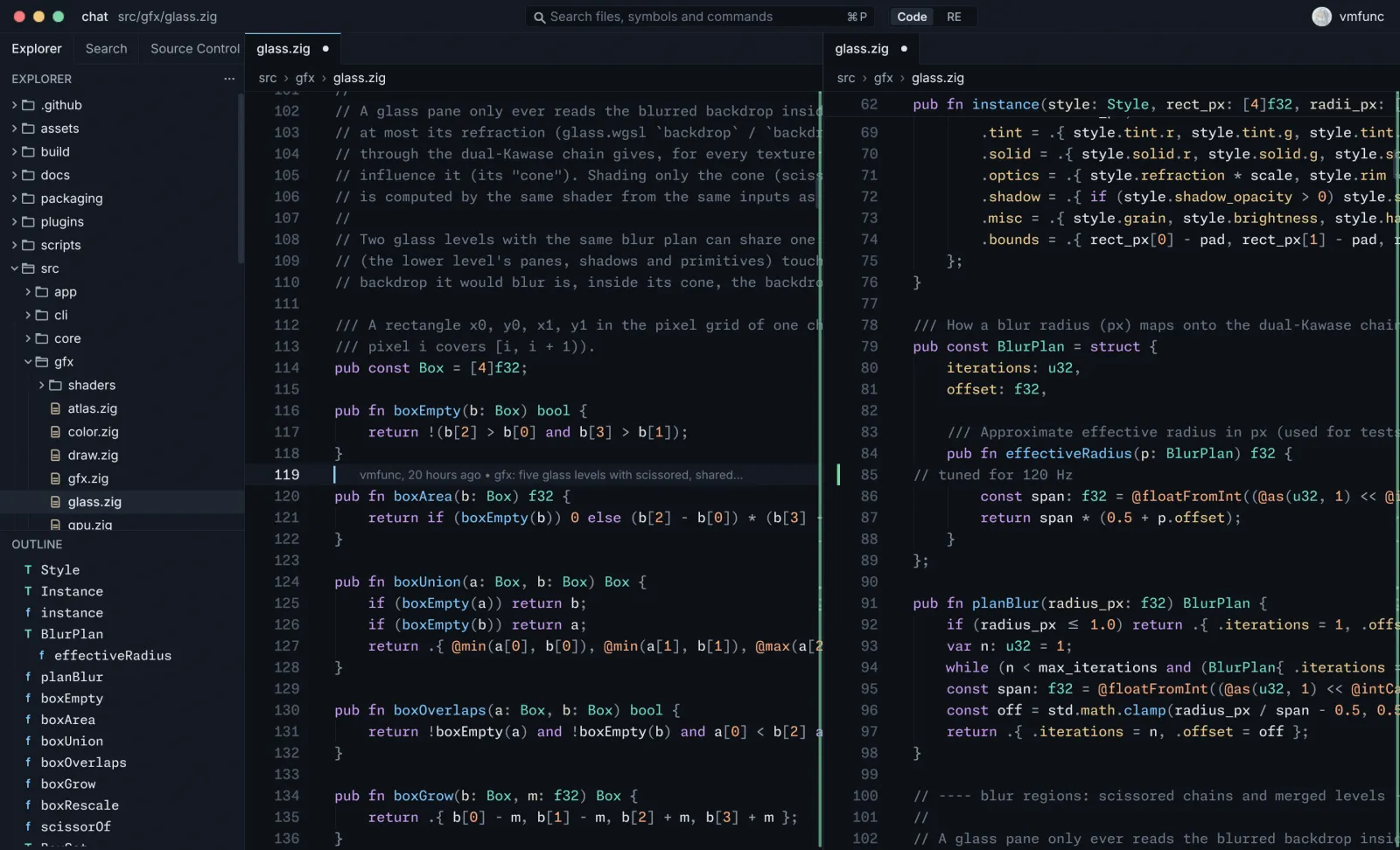
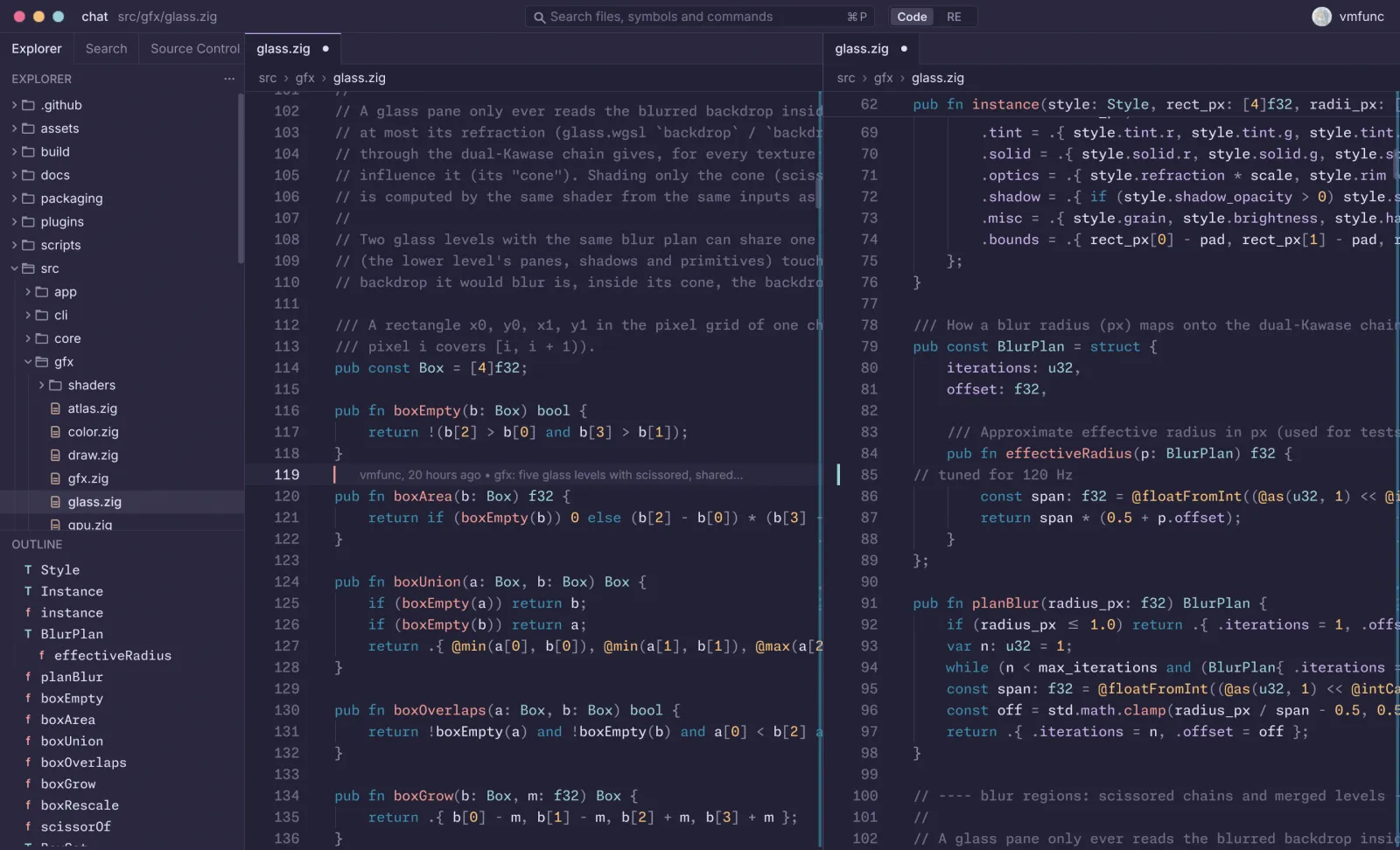
  4. The code editor in Gruvbox Dark, with a file tree, an outline and two Zig files side by side.

    04 gruvbox dark

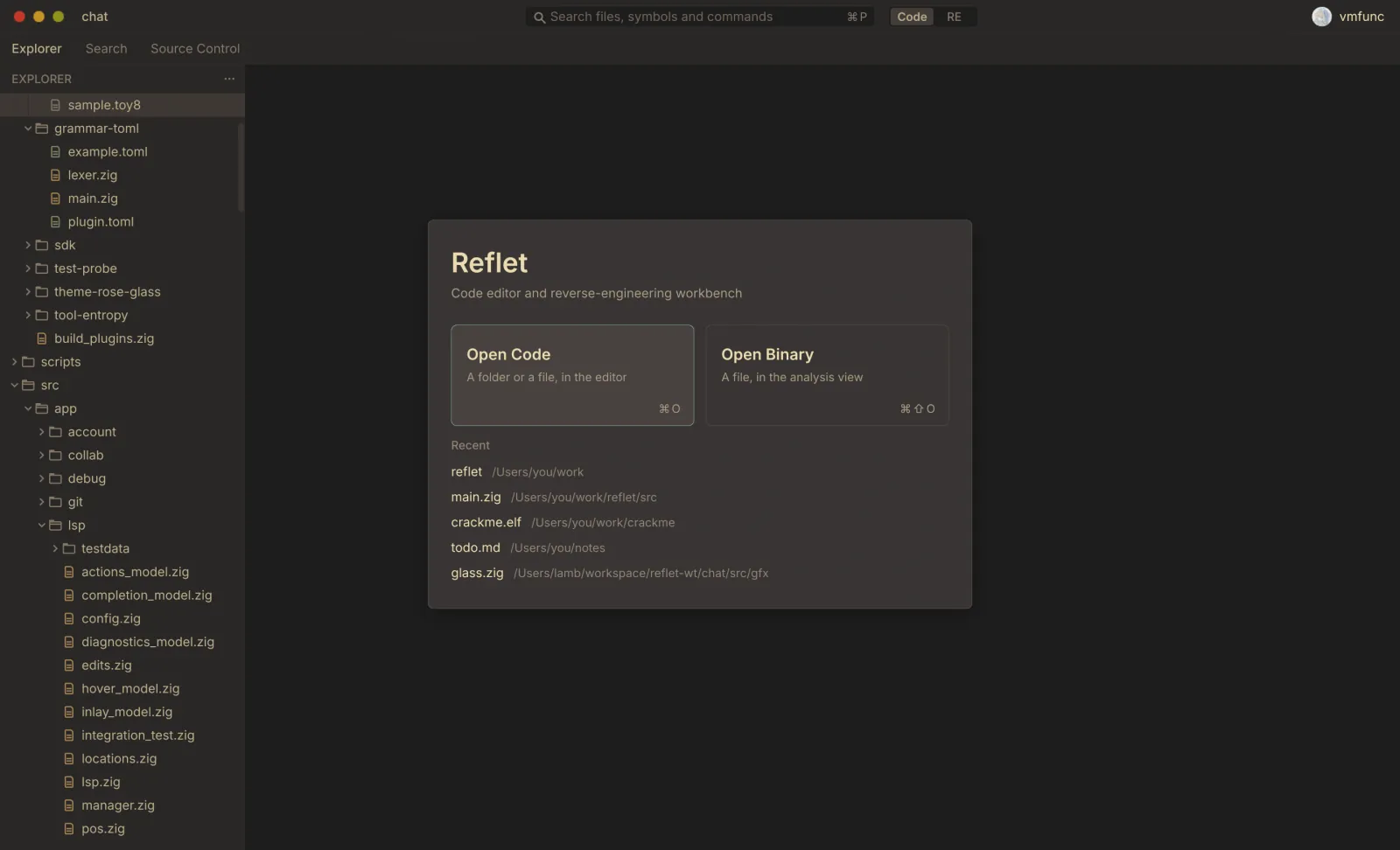
  5. The welcome card: open code or open a binary, with a list of recent projects.

    05 welcome

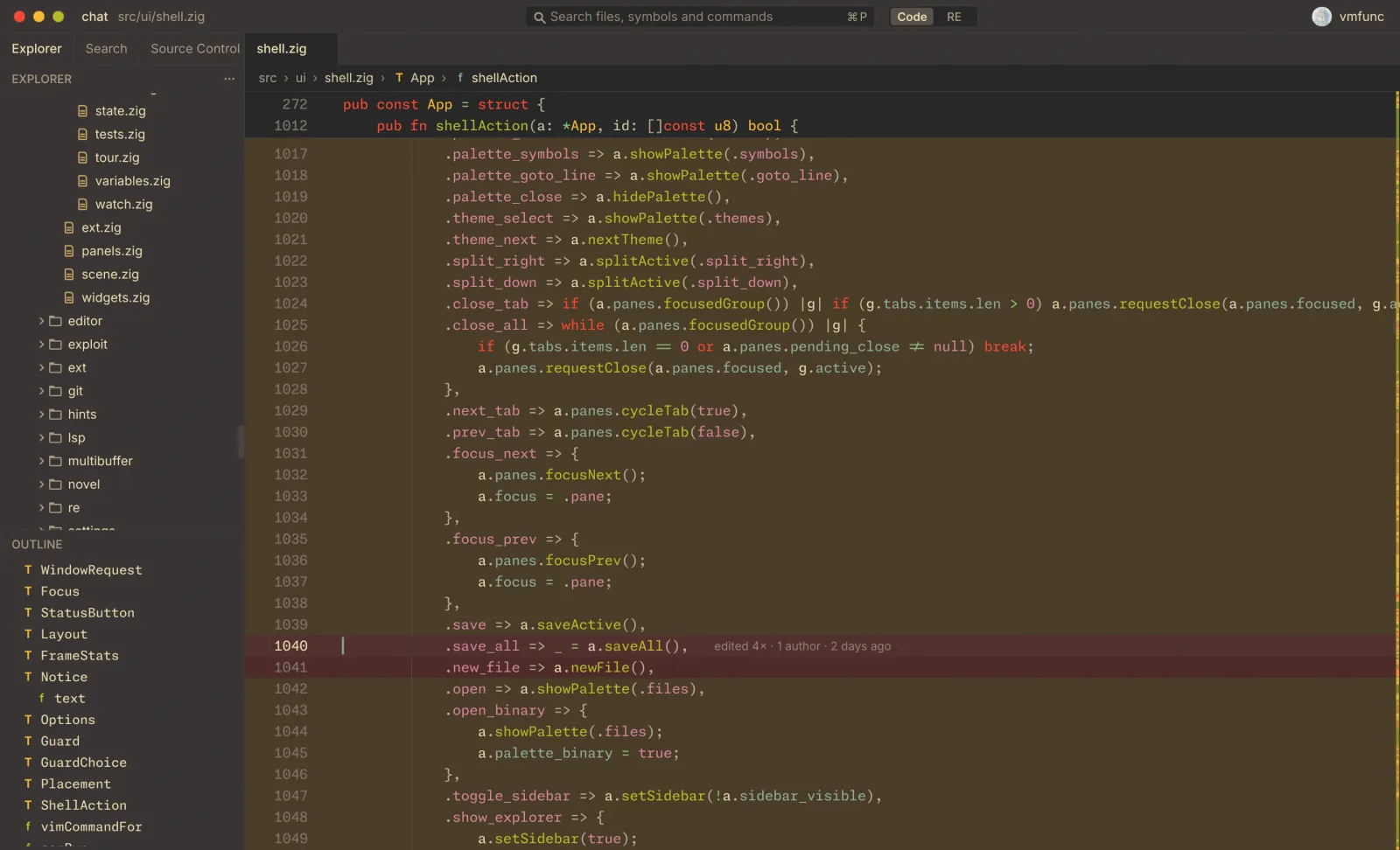
  6. A Zig file with lines tinted by how often git history changed them.

    06 churn overlay

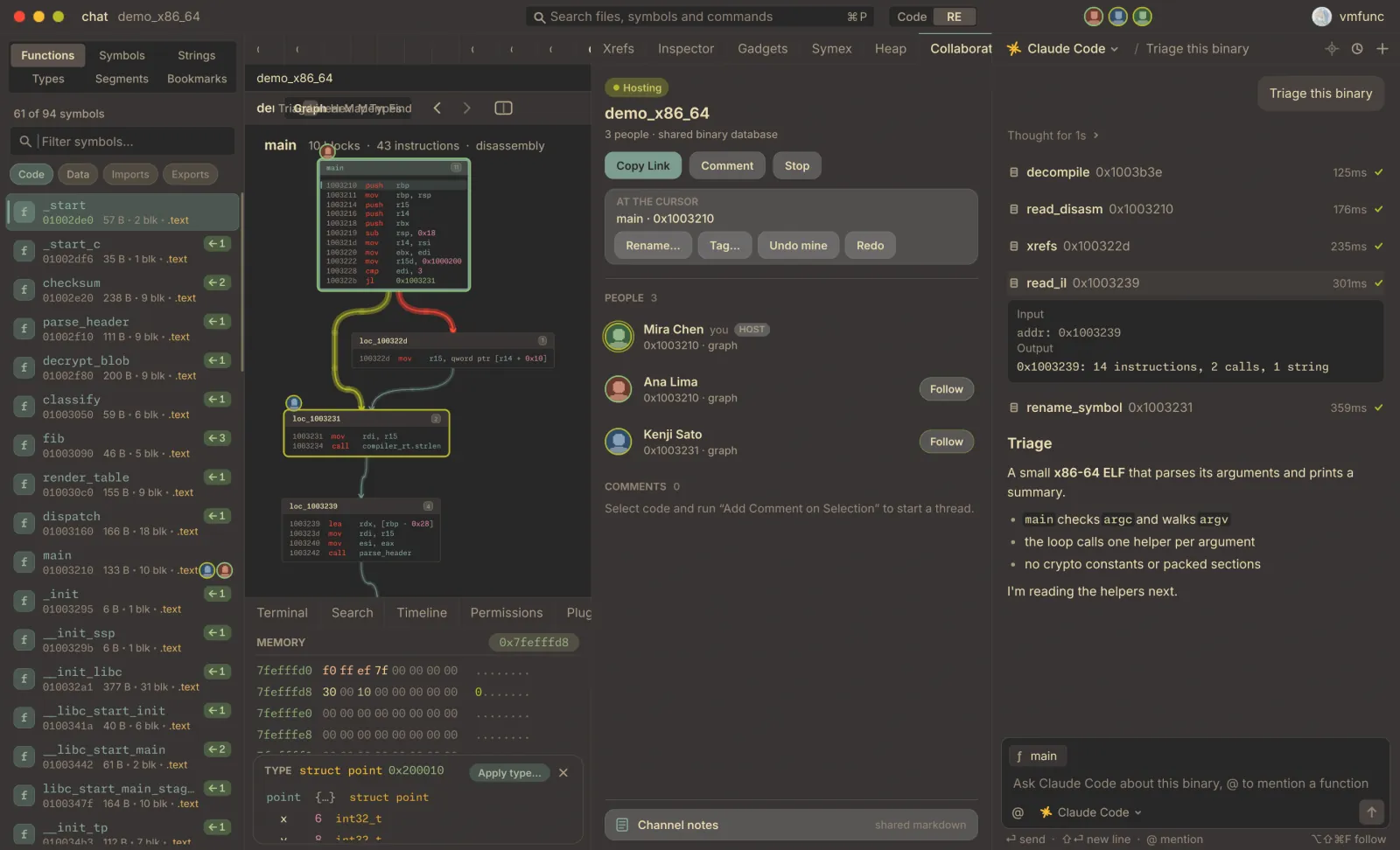
  7. A shared reverse-engineering session: the collaborators panel lists three people with their positions in the binary.

    07 live session

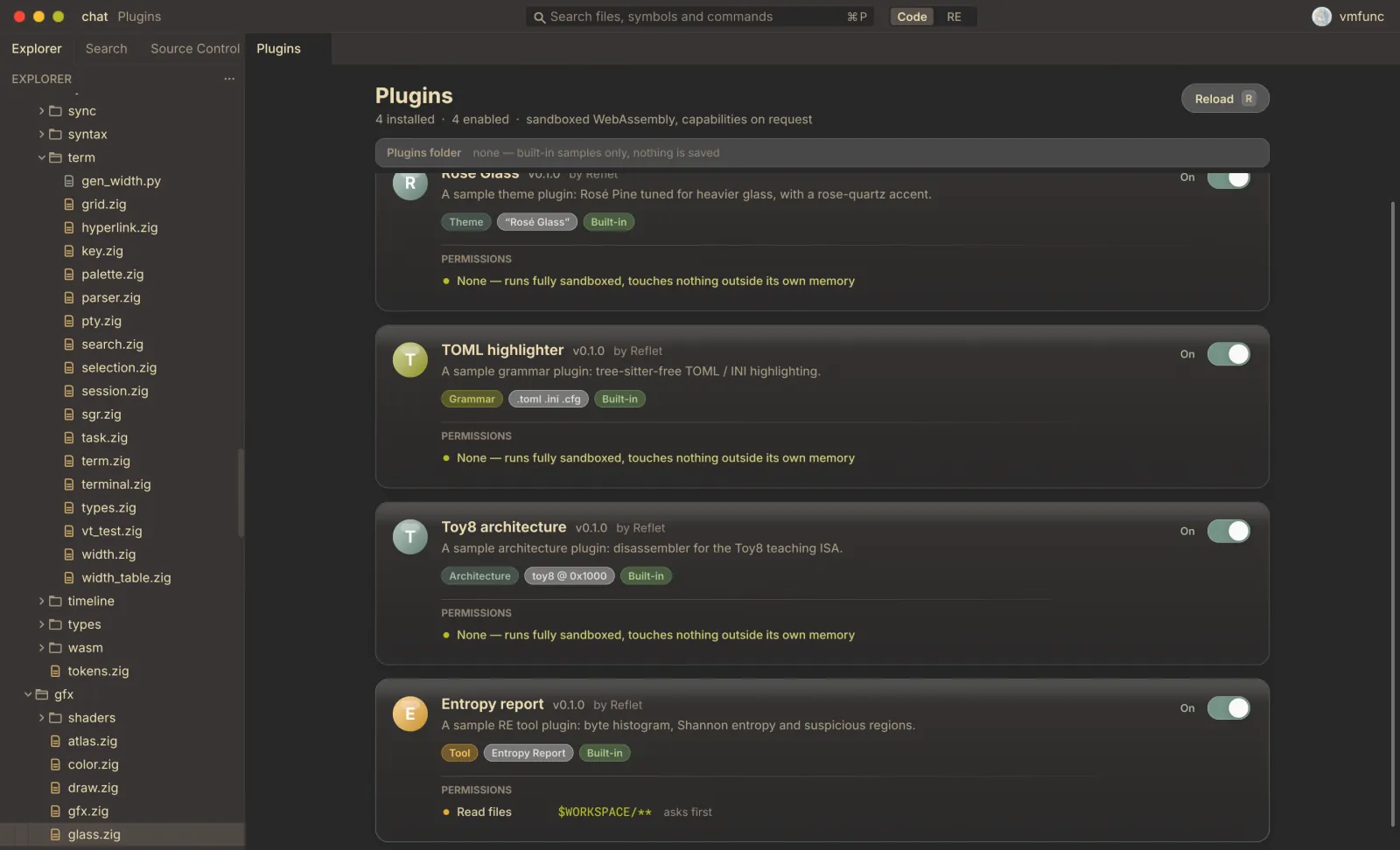
  8. The plugin manager: installed WebAssembly plugins, each with the permissions it was granted.

    08 plugins

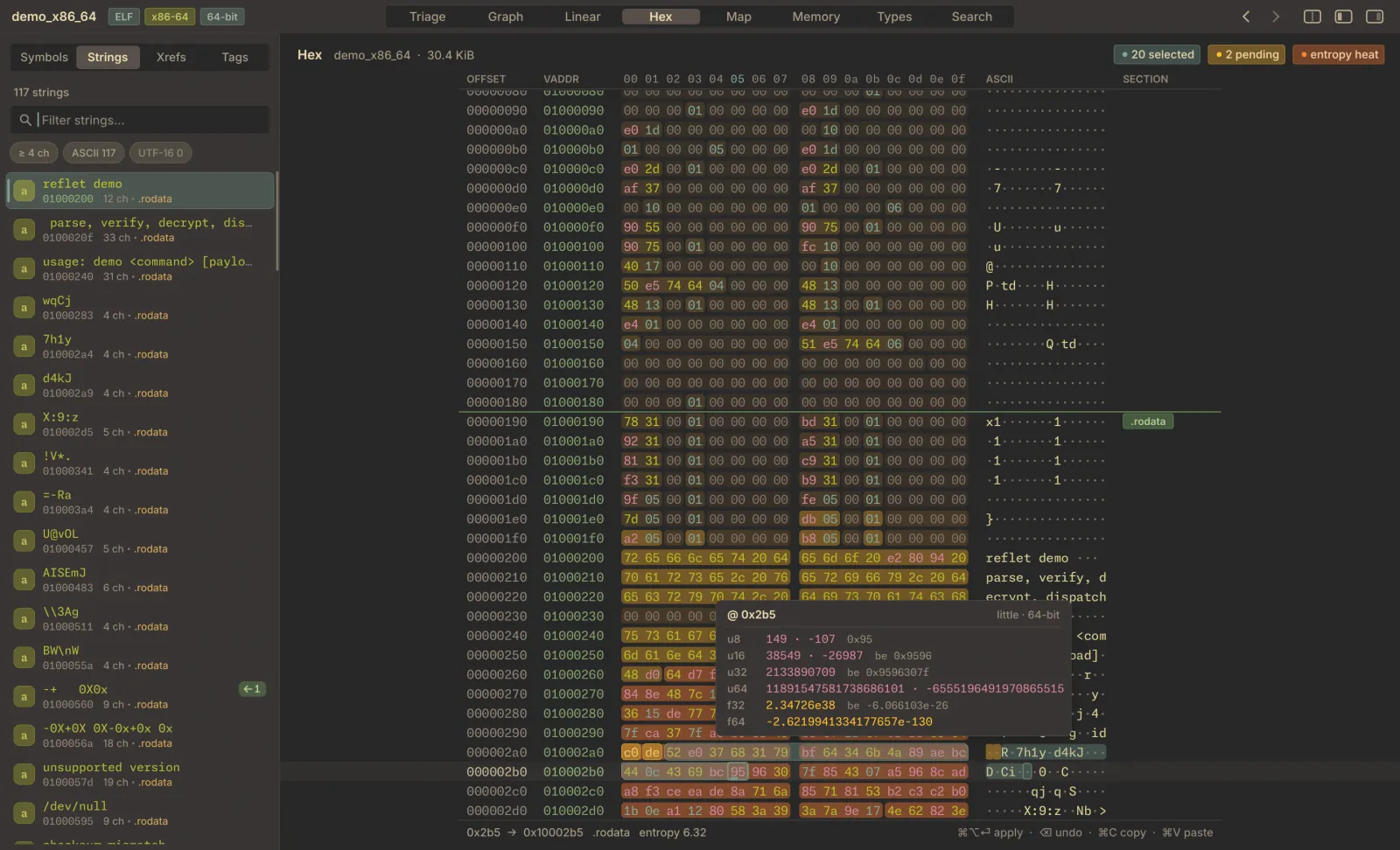
  9. Hex view with an entropy strip and a data inspector decoding the selected bytes.

    09 hex

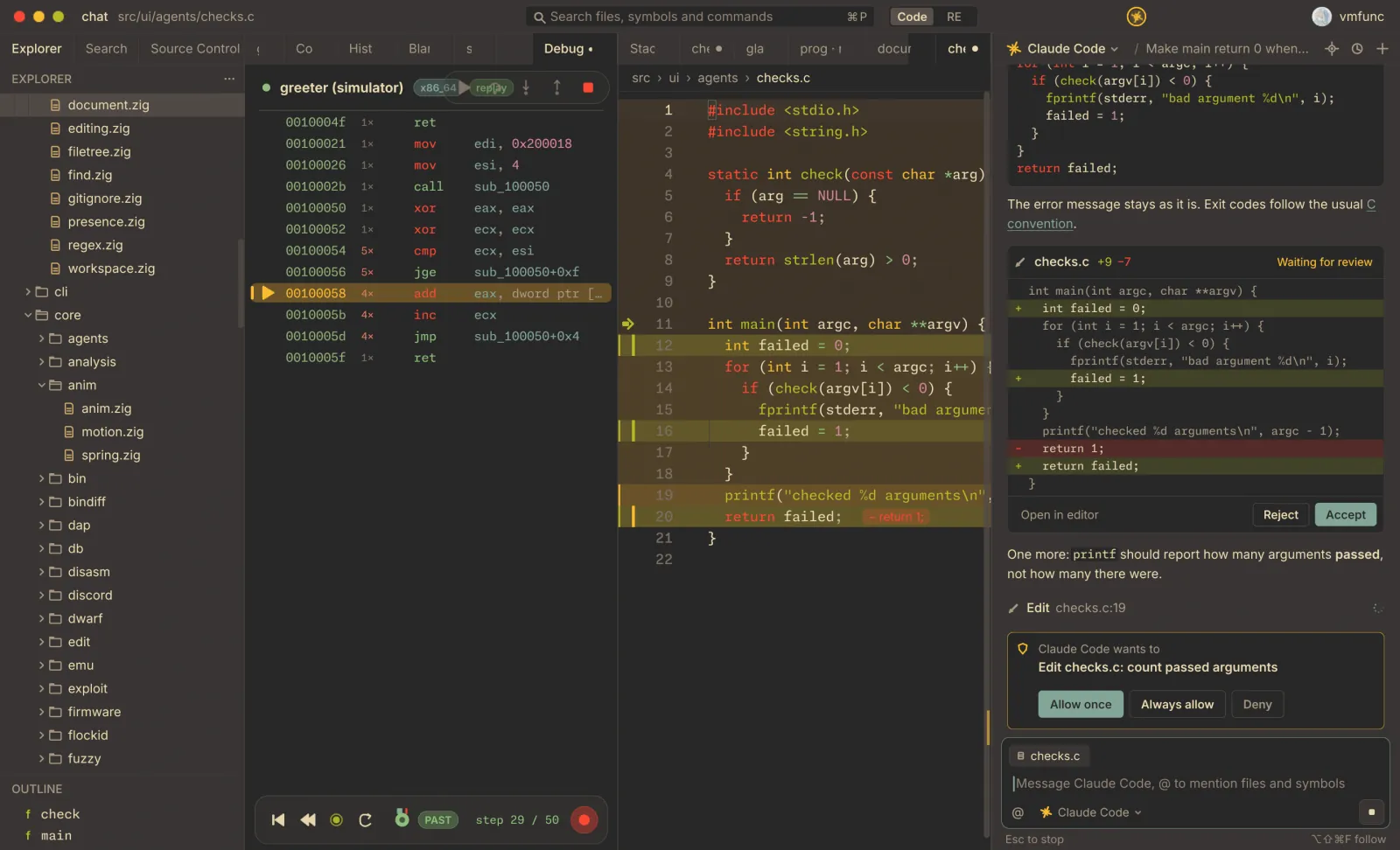
  10. An agent conversation beside a disassembly listing, describing what a function does.

    10 agent chat

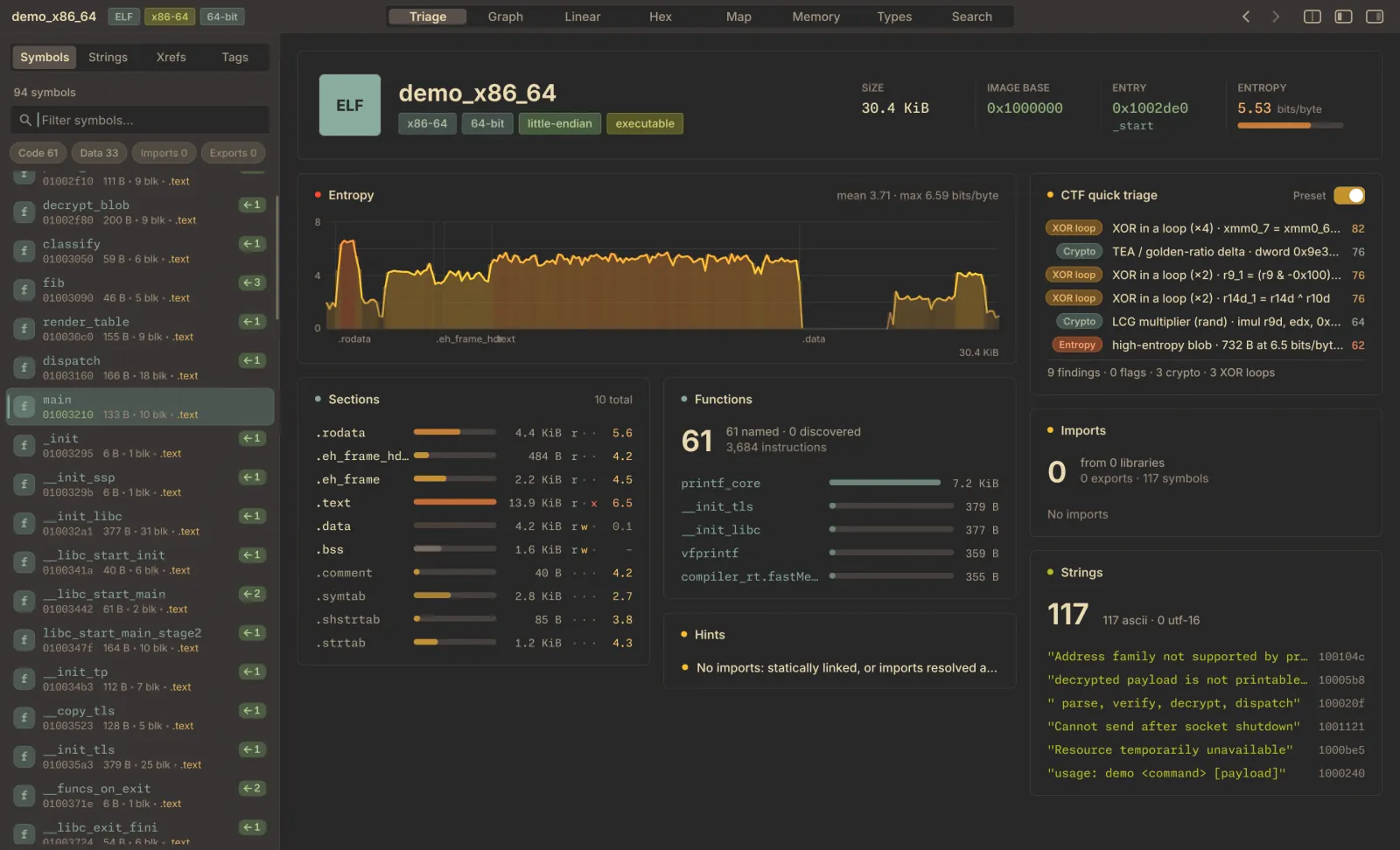
  11. Triage page for an ELF file: entropy chart, sections, function count, imports, strings and CTF hints.

    11 triage

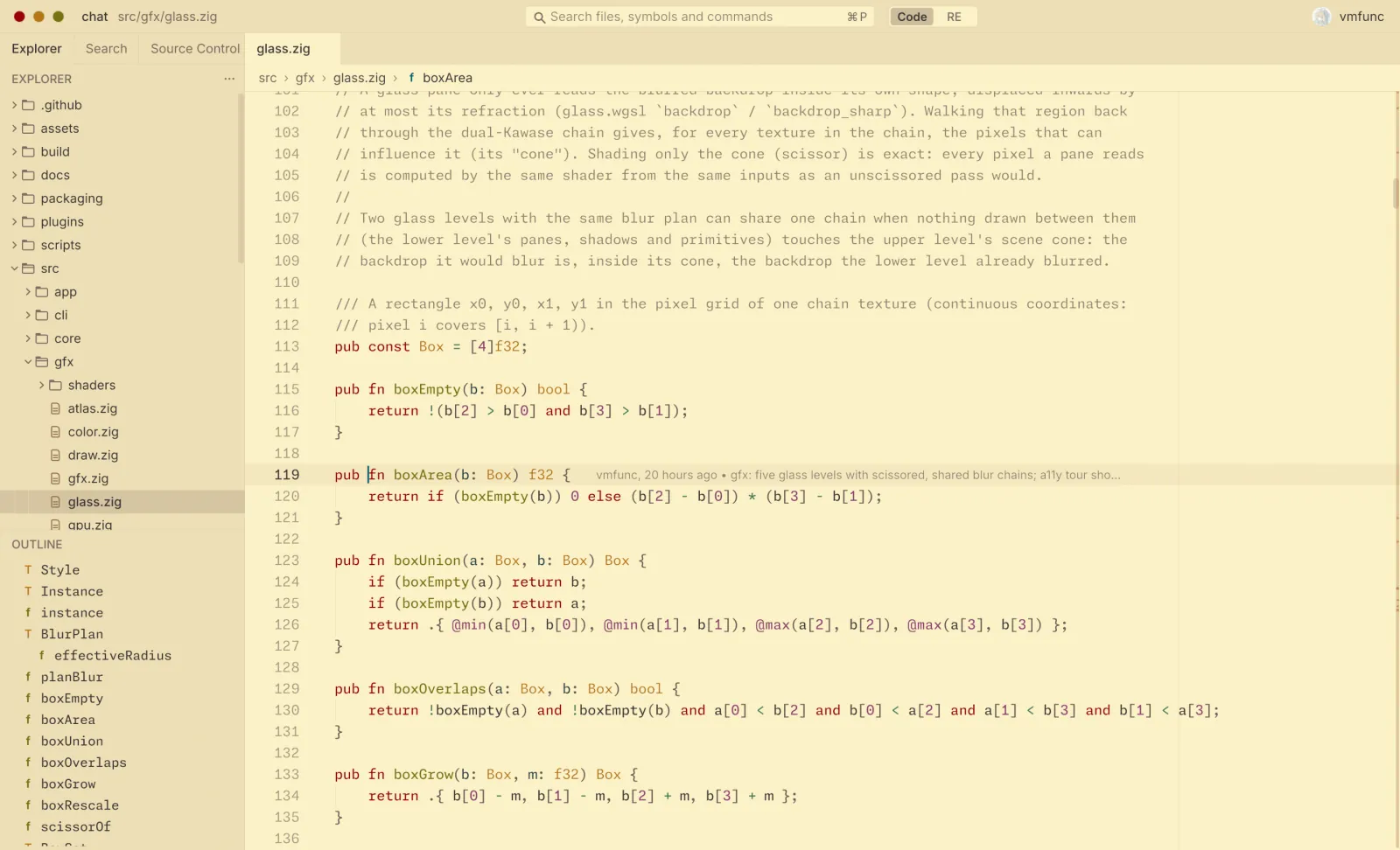
  12. The code editor in Gruvbox Light.

    12 gruvbox light

  13. The code editor in the Reflet Dark theme, a deep navy palette.

    13 reflet dark

  14. The code editor in the Rosé Pine Moon theme, purple and muted pink.

    14 rosé pine moon

01 / editor

Source and binaries, in one window.

Reflet opens source projects and compiled binaries. For code: language servers, Tree-sitter highlighting, multiple cursors, git, project search, a terminal and a debugger over DAP, with Vim and Helix keys.

For ELF, PE and Mach-O: a disassembler for x86, ARM, MIPS, PowerPC and RISC-V, pseudo-C for x86-64, AArch64 and Thumb-2, an emulator, and a debugger that can step backwards.

02 / plugins

Plugins are WebAssembly, and ask first.

A plugin adds a theme, a grammar, a processor architecture or a tool. Each one declares the files, hosts and processes it needs, Reflet asks you before it uses any of them, and every call runs on an instruction budget.

start from the plugin template

03 / eligibility

Invite-only, for now.

Reflet is in private alpha. Testers are invited by the Flock team; it isn't open to everyone yet.

Invited accounts get Reflet through Volíère, the Flock apps hub, which installs it and keeps it current.

by invite

private alpha

  • at most 3 devices at once
  • works offline up to 7 days
  • macOS (Apple silicon, Intel) and Linux x86-64

04 / faq

Questions

sign in

Reflet uses your Flock ID.

There is no separate Reflet account. Your Flock ID holds your invitation and your devices: each computer you sign in on is listed under Products in your account, and you can release one there.

continue to id.flock.holdings

This page never asks for your password.

get reflet

Reflet is invite-only, for now.

Reflet is in private alpha. The alpha is invite-only, and the Flock team chooses the testers. It isn't open to everyone yet. If you've been invited:

  1. Sign in with Flock ID

    Use the account your invitation was sent to.

    sign in
  2. Install Volíère

    The Flock apps hub. It downloads Reflet and updates it.

    download Volíère
  3. Open Reflet

    From your app list in Volíère, signed in with the same Flock ID.

download

Reflet comes through Volíère.

Reflet's builds are served only to invited Flock accounts, so there is no public installer. Install Volíère, sign in, and Reflet appears in your app list, kept up to date.

macOS on Apple silicon and Intel, and Linux x86-64. Windows is not built yet.

download Volíère

faq

Questions

What counts as a device?

Each computer where you sign in to Reflet. Up to three can be active at once. You can see them, and release one, under Products in your Flock account. Signing out of Reflet releases that computer too.

Does Reflet work offline?

Yes. Each device holds a signed license lease that is good for 7 days and renews itself whenever you are online. Past that, Reflet needs to reach Flock ID once before it opens again.

How do I install it?

Through Volíère, the Flock apps hub. It installs Reflet for invited accounts and keeps it up to date.

Can I join the alpha?

The alpha is invite-only, and the Flock team chooses the testers.

Which platforms?

macOS (Apple silicon and Intel) and Linux x86-64. Windows is not built yet.

Does my binary leave my machine?

Analysis and signature matching run on your machine; nothing is uploaded. Coding agents are optional: if you use one, it sees what you share with it, and one setting turns them all off.

legal

Reflet is made by Flock Capital. Accounts and access are handled by Flock ID.

This page sets no cookies, loads no analytics and makes no requests to other sites.

terms and privacy at flock.holdings